Know What You Actually Earn
See how referral fees, FBA charges, refunds, and other Amazon deductions affect your revenue and profitability.
From FBA fees and settlement reserves to refunds and bank deposits, Webgility automates Amazon accounting and reconciliation in QuickBooks, so you can account for every dollar and close your books with confidence.
none of it adds up to the actual charges to my account.
Real accounting and reconciliation challenges shared on Amazon Seller Forums.
by IT_Express_Direct
by nameinuse
by Randall
by Sun_Moon_Stars
by CBP_Evolve
by TURBOSPOKE
by Dream_n_Play_258
by Going_Crazy
Amazon deposits rarely tell the whole story. Webgility helps you understand what’s behind every settlement, from marketplace fees and reserves to refunds and reimbursements.
See how referral fees, FBA charges, refunds, and other Amazon deductions affect your revenue and profitability.
Understand the difference between what customers paid, what Amazon deducted, and what reached your bank account.
Keep track of settlement reserves, pending deposits, and unsettled transactions without losing sight of your cash flow.
Spend less time investigating discrepancies and more time working with accurate, traceable Amazon financial records.
Biweekly settlements, rolling reserves, changing fee tables, and deposits that match no single order: Webgility handles the parts of Amazon accounting that spreadsheets can’t.


Configure each Amazon marketplace separately, then see all of them in one set of books.
Run Amazon next to Shopify, Walmart, or eBay and close one P&L instead of several.
Invoice B2B buyers on net terms in the same QuickBooks file as your marketplace sales.
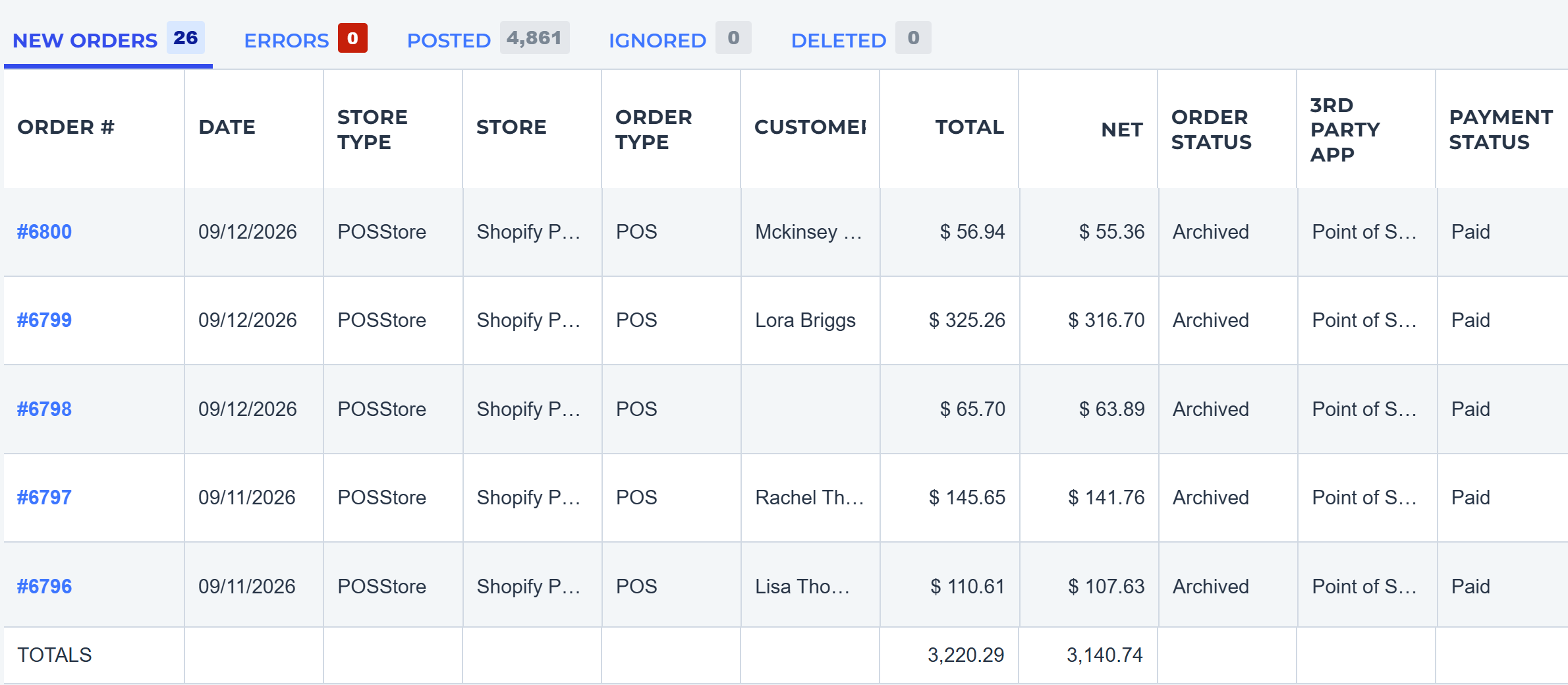
Bring Amazon-fulfilled, self-fulfilled, and Multi-Channel Fulfillment orders into one posting workflow.
Keep thousands of orders, returns, and fee adjustments posting cleanly through Prime Day and Q4.
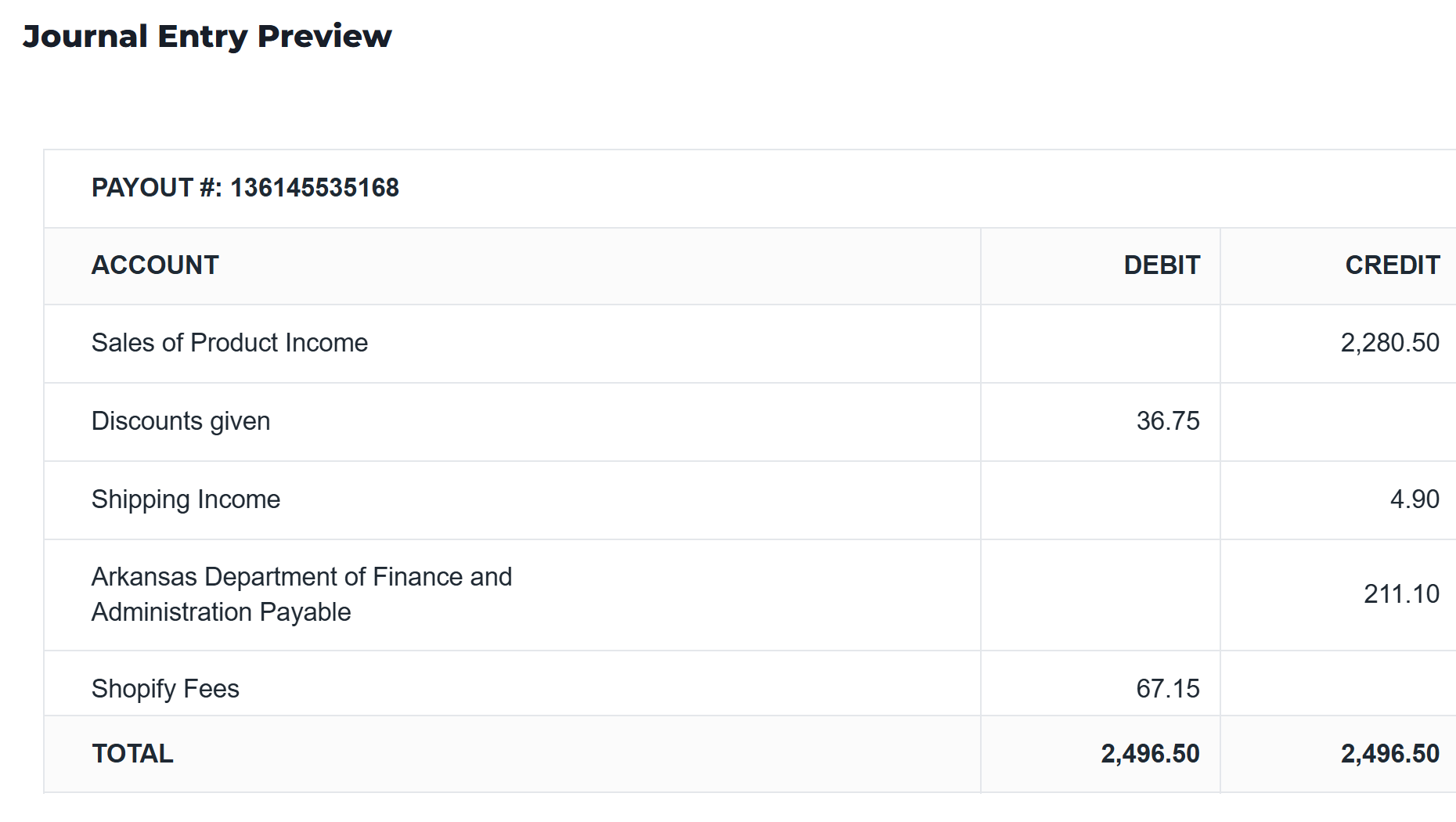
Get access to a team that is passionate about your commerce and obsessed with your books.


Book a 30 minute session with a Webgility ecommerce specialist.